
Every week contains tasks that feel too small to fix and too frequent to ignore. Copying form responses into a spreadsheet. Sending the same confirmation email. Moving files between folders. Updating a contact in two different tools. Each takes a few minutes, but together they consume hours that should go to the work that actually needs you.
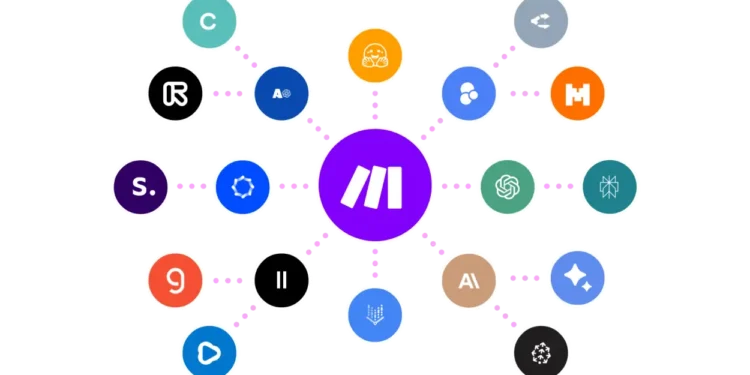
Make.com, formerly known as Integromat, is a visual automation platform. You build workflows, called scenarios, by connecting apps on a canvas and defining what should happen when something occurs: a new form entry, a payment, an email, or a change in a database. It connects with a large library of popular apps and also supports custom connections through APIs and webhooks.
The connection to System is direct. The Method encourages turning repeated work into structures that run reliably without constant attention. Automation is one of the clearest ways to do that, because a task automated once stops competing for your focus every week after.
What Make.com Does Differently
The main difference is the visual builder. Each scenario is displayed as a flow of connected steps, which makes it easier to understand, adjust, and troubleshoot than a list of hidden rules. You can see exactly where data comes from, what happens to it, and where it goes.
The second difference is flexibility. Make.com supports branching logic, filters, data transformation, and error handling, which allows fairly sophisticated workflows without code. That makes it useful not only for simple connections but for real operational processes.
The Honest Part
Automation amplifies whatever process it runs. If the underlying process is unclear or broken, an automated version will produce errors faster. The thinking has to come first: what should happen, in which order, and what counts as success.
The visual builder also has a learning curve once workflows become complex, and pricing is based on usage, so heavy scenarios can cost more than expected. A free plan is available for testing. Check Make.com’s site for current plans.
Three Principles Worth Keeping in Mind
- Automate what repeats weekly. Start with a task you already do the same way every week, not a hypothetical future need.
- Map the process on paper first. Write the steps and decisions before building the scenario, so the automation reflects a clear process.
- Monitor and document. Check new scenarios closely at first and keep a simple note of what each one does, so they remain maintainable.
Where This Fits in the Bigger Picture
Time freed from repetitive tasks is only valuable if it goes back into meaningful work. Automation is not the goal. It is a way to protect attention for what cannot be automated: thinking, relationships, and craft.
Make.com gives small teams and independent professionals a way to build that kind of System without developers. Used deliberately, it protects Continuity and frees energy for the work that creates Impact.
FAQ
Do I need coding skills to use Make.com?
No. Scenarios are built visually. Understanding basic logic helps, and technical users can extend workflows with APIs and code when needed.
How is Make.com different from Zapier?
Both connect apps and automate tasks. Make.com’s visual canvas and data-handling options tend to suit more complex, multi-step workflows, while Zapier is often considered simpler for straightforward automations.